
Download GZDoom – Doom, GZDoom, enhanced port, modern Windows, classic games, high-resolution, multiplayer, free look, translucent objects, texture enhancement, Doom engine, game engine, retro gaming, Windows
Overview
GZDoom is an enhanced port of the official Doom source code, engineered to modernize the classic Doom engine for contemporary Windows environments. Designed for enthusiasts of retro gaming and fans of the original Doom series, GZDoom enables players to experience a wide range of classic titles—including Ultimate Doom, Doom 2, Heretic, and Hexen—through an upgraded engine that supports advanced visual and gameplay features. The app serves as a powerful game engine rather than a standalone game, meaning it requires original game data files to function.
This makes it ideal for users who already own or wish to legally acquire the original game assets. Its primary purpose is to restore and elevate the legacy of 90s first-person shooters by adapting them to modern display standards, hardware capabilities, and user expectations. The target audience includes retro gaming aficionados, modders, and players seeking enhanced experiences from beloved titles without altering the core gameplay.
While the developer is listed as the GZDoom Team, no additional background information is publicly available. The app plays a vital role in preserving and revitalizing classic game content, ensuring that older titles remain accessible and enjoyable on current systems. Real-world use cases include single-player campaign play, community-driven modding, and multiplayer sessions with friends.
GZDoom contributes significantly to the longevity and relevance of the Doom engine ecosystem in the modern gaming landscape.
Key Features & Functionality
- Multi-Game Compatibility: GZDoom supports a broad range of games built on the Doom engine, including Ultimate Doom, Doom 2, Heretic, and Hexen. This allows users to run multiple classic titles using a single, unified engine, streamlining access and reducing setup complexity.
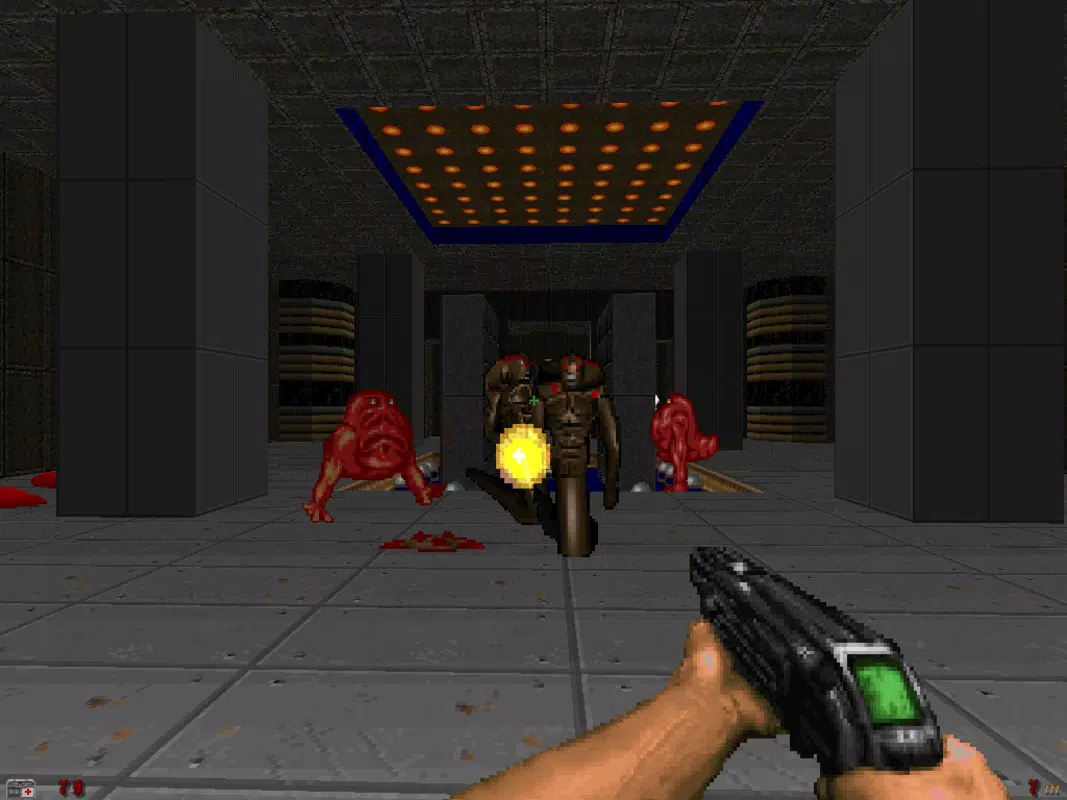
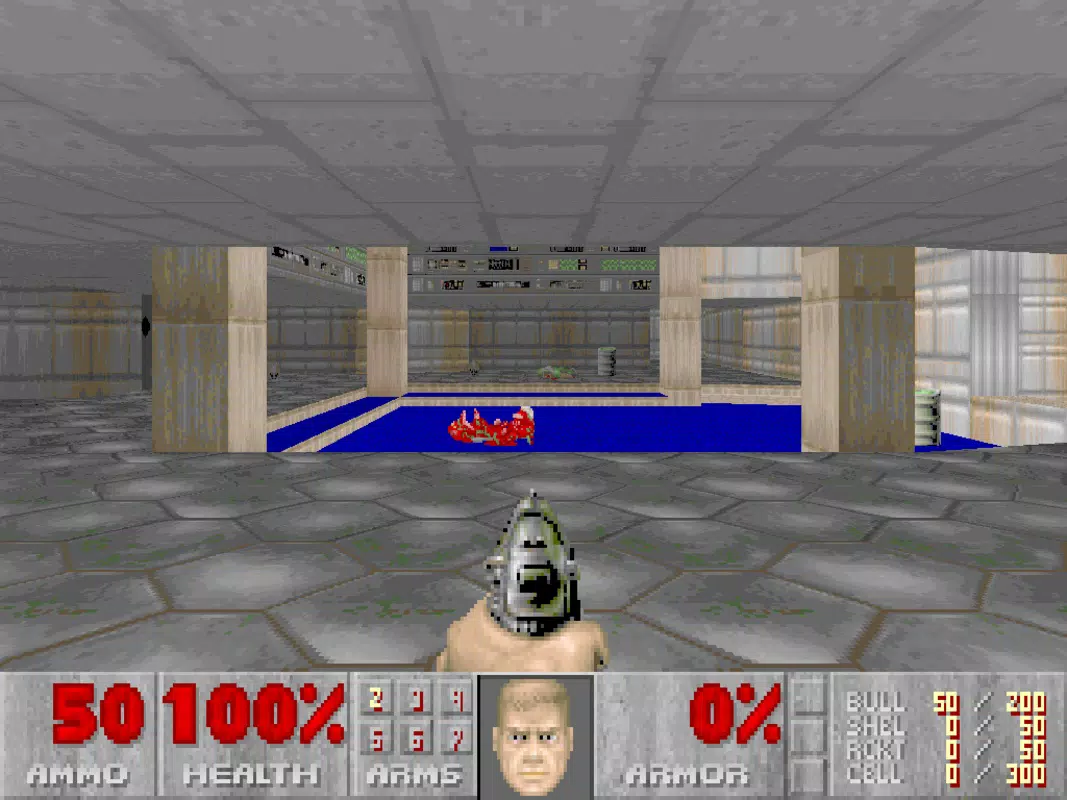
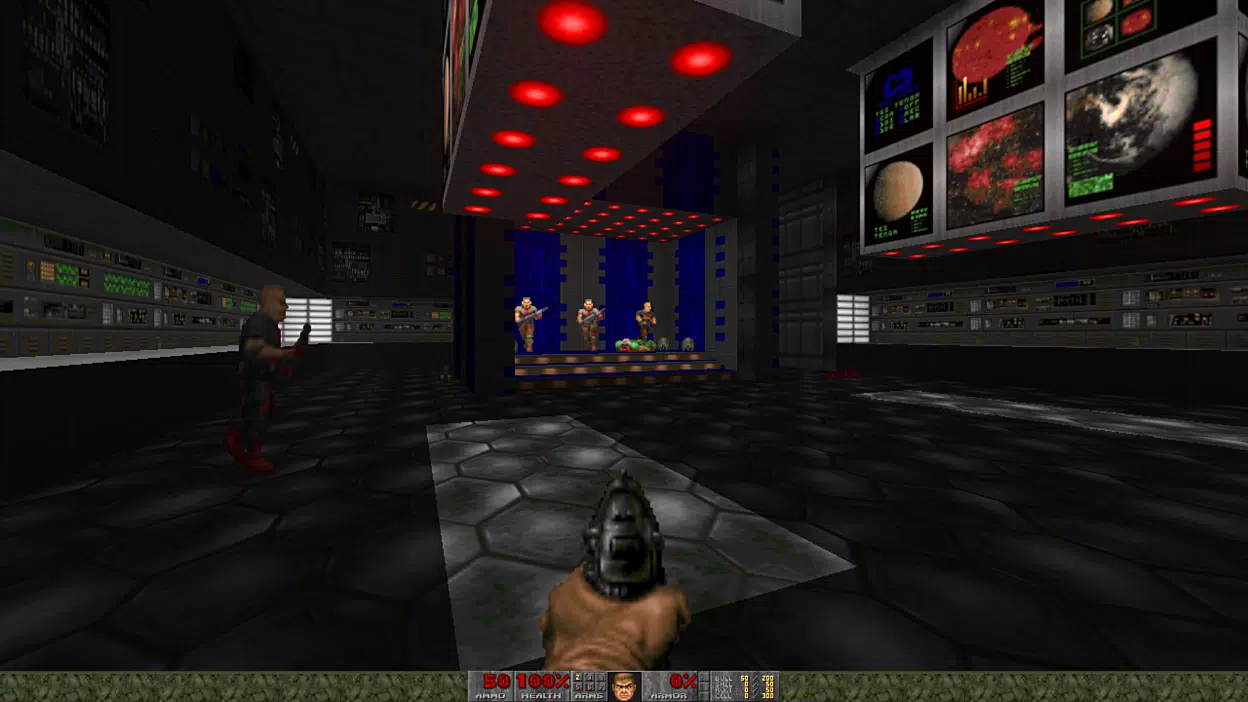
- High-Resolution Support: The engine enables gameplay at modern display resolutions, ensuring that classic visuals are not constrained by outdated aspect ratios or pixel scaling, resulting in sharper and more immersive on-screen experiences.
- Enhanced Textures and Graphics: GZDoom introduces improved and expanded textures, allowing for higher visual fidelity and more detailed environments. This feature revitalizes the original game aesthetics while maintaining the authentic feel of the source material.
- Free Look Functionality: Players can freely look up and down within the game world, offering greater control and spatial awareness. This enhancement adds depth to gameplay mechanics and improves immersion during exploration and combat.
- Translucent Objects: The engine supports semi-transparent visual elements, such as glass, water effects, and particle systems, enriching the game environment and creating more dynamic visual layers.
- Multiplayer Support: GZDoom enables real-time multiplayer sessions with up to eight players, supporting both cooperative and competitive modes. This feature extends the replayability of classic titles and fosters community engagement.
These features are particularly valuable in modding communities, where developers use GZDoom to create custom maps, textures, and gameplay mechanics. For example, a player can load a custom map with high-resolution textures and translucent effects, then play it with friends online. The engine’s flexibility allows for extensive customization while preserving the original gameplay DNA.
Interface, UX & Performance
The user interface of GZDoom is designed with functionality and customization in mind, prioritizing accessibility for experienced users and modders. It features a console-based configuration system that allows for advanced settings adjustments through text commands. While this may present a learning curve for new users, it provides precise control over rendering, input, and game behavior.
Navigation is primarily keyboard-driven, with minimal graphical menus, which aligns with the app’s focus on performance and flexibility. The layout is minimalistic, with no visual clutter, ensuring that the game environment remains the central focus. Although the developer did not list formal performance metrics, GZDoom is known for efficient resource usage, running smoothly on a wide range of Windows systems.
Responsiveness is strong, with minimal input lag and stable frame rates during gameplay, even when high-resolution textures and effects are enabled. Stability is maintained across extended play sessions, though occasional crashes may occur if incompatible mods are loaded. The app does not rely on cloud services or constant internet connectivity, making it suitable for offline use.
Overall, the UX is geared toward power users rather than casual players, emphasizing control and adaptability over simplicity.
Platform Compatibility & Technical Requirements
GZDoom is available exclusively for Windows, as confirmed by the provided platform information. The current version is 4.8.1, with a file size of 18.5 MB, indicating a lightweight installation. This small footprint suggests efficient code optimization and minimal bloat.
The app is compatible with modern Windows versions, though specific OS requirements were not listed. The developer did not specify minimum CPU, RAM, or GPU requirements. However, given its lightweight nature and the fact that it runs classic engine games, it is likely to function on systems with modest specifications.
Compatibility with older Windows versions cannot be confirmed. Users should ensure they have the original game files (e.g., WAD files) for the titles they wish to play, as these are not included with the engine. The app does not require administrative privileges for installation or execution, which enhances accessibility.
The lack of detailed system requirements means users may need to experiment with settings to achieve optimal performance.
Pros and Cons
Pros
- Free to download and use, with no in-app purchases or hidden costs.
- Supports multiple classic games from the Doom engine family.
- Offers high-resolution display support for modern monitors.
- Includes advanced visual enhancements like translucent objects and improved textures.
- Enables multiplayer gaming with up to eight players.
- Lightweight file size (18.5 MB) with efficient performance.
- Highly customizable through console commands and modding tools.
Cons
- Requires original game files (WADs) to function—these are not included.
- Console-based interface may be intimidating for beginners.
- No official support for macOS or Linux in the provided data.
- Performance may vary depending on mod complexity and system specs.
- Documentation and tutorials are not provided in the input.
FAQ
Is GZDoom safe to download and install?
Yes, GZDoom is a legitimate open-source engine developed by a dedicated team. It does not contain malware or unwanted software. Always download from official sources to ensure authenticity.
Can I play GZDoom on my current Windows PC?
Yes, GZDoom is designed to run on modern Windows systems. While specific requirements were not listed, its small file size and efficient design suggest compatibility with most current Windows machines.
Do I need to buy the original games to use GZDoom?
Yes, GZDoom is an engine, not a game. You must own or legally obtain the original game files (such as Doom 2.WAD) to play the games. These files are not included in the GZDoom package.
Is GZDoom updated regularly?
The app is maintained by the GZDoom Team, with version 4.8.1 released in 2024. Regular updates are typical for such projects to fix bugs and add features, though the frequency is not specified.
Can I use mods with GZDoom?
Yes, GZDoom supports a wide range of user-created mods, including custom maps, textures, and gameplay changes. The engine’s flexibility makes it a popular choice for modding communities.
Final Thoughts
GZDoom stands out as a vital tool for preserving and enhancing the legacy of classic first-person shooters. Its ability to run multiple Doom engine games with modern enhancements makes it a must-have for retro gaming enthusiasts and modding communities alike. While its console-driven interface may deter casual users, its power, flexibility, and free access offer unmatched value.
The combination of high-resolution support, free look, translucent objects, and multiplayer functionality transforms aging titles into fresh experiences. For players seeking authenticity with modern improvements, GZDoom delivers a compelling package. Whether you're reliving childhood memories or discovering the series for the first time, this engine breathes new life into a gaming icon.
Download GZDoom now.


